
Home & business networking
Wi-Fi that reaches every room.
Streaming, cameras, smart-home systems and working from home all depend on the network. We design coverage and wiring for the people and devices in your space.
Networking & Wi-Fi
What it does for you.
Coverage where you need it
Access points placed for your floor plan and building materials, not just more boxes plugged in.
Reliable for everything else
Cameras, control systems and streaming run on a wired backbone designed for them.
Easier to support
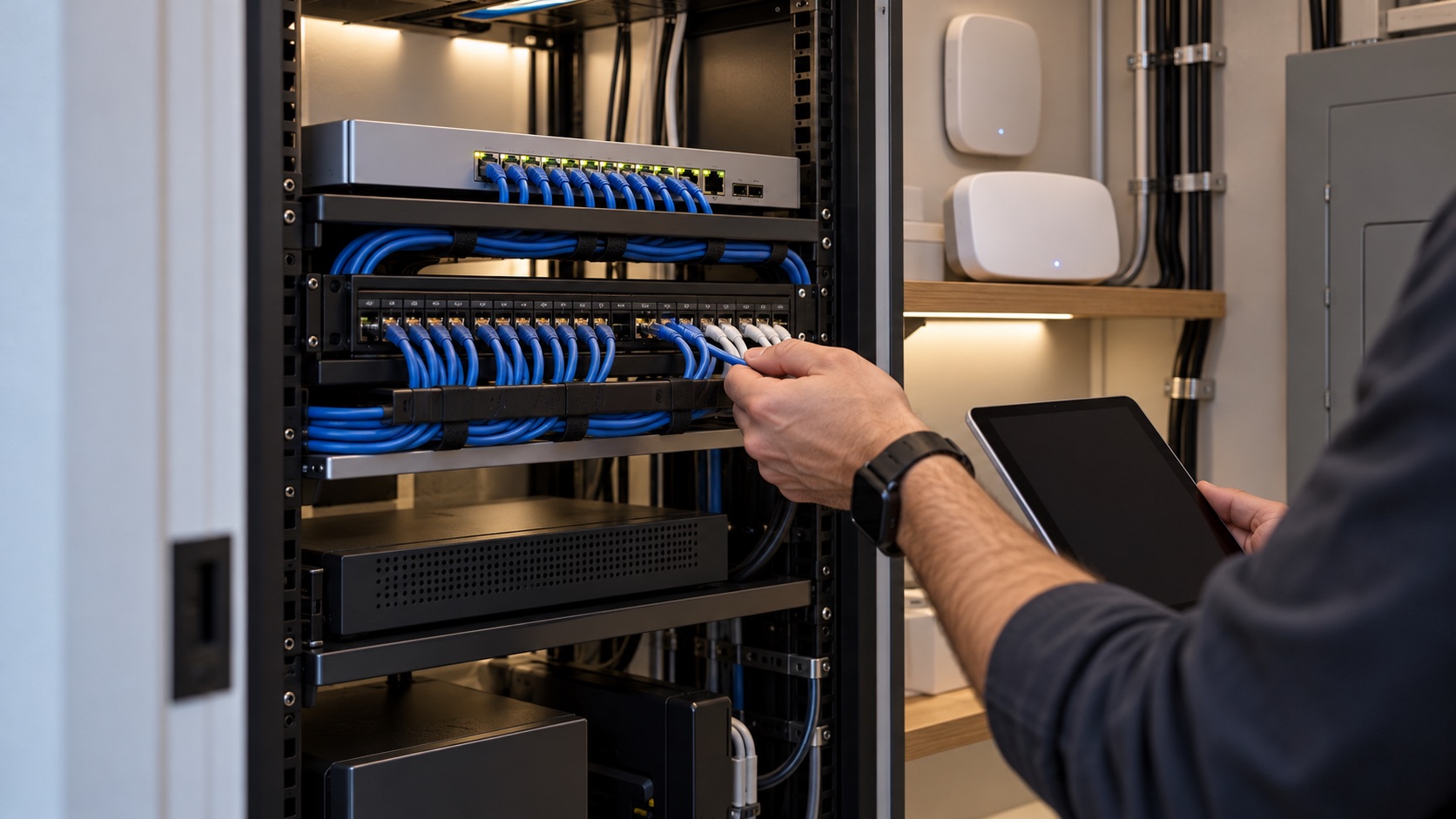
A tidy, labelled rack and a documented network make problems faster to find and fix.
What’s included
What we design and install.
- Coverage review and access-point placement
- Wired network for TVs, cameras, access points and offices
- Routers, switches and network racks
- Separate networks for guests and smart devices
- Remote monitoring options for faster support
- Business networks for offices, retail and hospitality
Equipment
Network equipment is selected to fit the site, the coverage plan and the connected devices.
Our work
Networking & Wi-Fi projects.
Ask about examples relevant to your property. Completed-project photographs are shared only where approved.
Discuss project examples →Before we start
What we’ll look at together.
Every property is different. In the first conversation and site visit we review:
- Floor plan, building materials and outdoor areas
- How many people and devices use the network
- Where cables can run and where equipment can live
- Which systems depend on the network (cameras, control, AV)
Questions
Common questions.
Will adding access points always improve Wi-Fi?
Not always. Placement, building materials, interference and how the access points connect back to the network all matter. A planned layout works better than adding devices without a plan.
Do I need wired connections if I have good Wi-Fi?
For TVs, cameras, access points and anything stationary, a wired connection is more reliable and frees up Wi-Fi for phones and laptops.
What details help diagnose a Wi-Fi issue?
Tell us the room, the device, roughly when it happens and whether wired devices are also affected. Never send router passwords in a support request.
Let’s discuss what fits your project.
Share your location, goals and any equipment already in place. We’ll confirm what’s possible and what we need to know.