
Vantage
Touchscreens & Interfaces
An Equinox touchscreen can give a shared space a clear control point within a compatible Vantage installation. Size and placement should suit the person using it. A display near the entrance serves a different purpose from one used beside a seating area.
Discuss your system →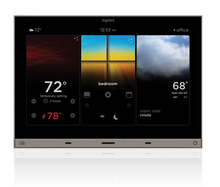
Where it fits
- A shared interface for a Vantage system
- A project reviewing touchscreen, app and keypad choices together
What to check before choosing
- Confirm controller and software compatibility for the selected interface.
- Check the mounting location, power and network requirements.
Explore equipment options
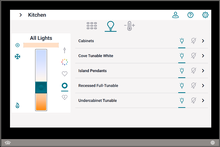
7.0" Touchscreen, Vantage Controls app, Titanium
VC-TS70-TI
View equipment details →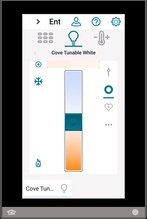
4.3" Touchscreen, Vantage Controls app, Titanium
VC-TS43-TI
View equipment details →Equinox 73 LCD Touchscreen
EQ73TB-TI-III
View equipment details →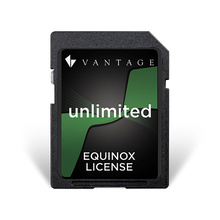
Equinox App License - Unlimited users
EQ-APP-X
View equipment details →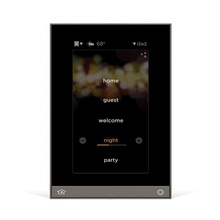
Equinox 41 LCD Touchscreen
EQ41TB-TI
View equipment details →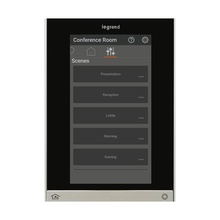
Equinox 41 LCD Touchscreen
EQ41-LCAP
View equipment details →Browse related models and finishes →
Common questions
Does a touchscreen replace every keypad?
It does not have to. A simple local keypad can still be convenient for frequent lighting tasks, while the screen handles a wider set of controls.
Which screen size is right?
Choose it around viewing distance, available wall space and the controls people need to reach. The exact model must also suit the installed system.
Manufacturer images identify the product range. Equipment selection, regional suitability and current availability require confirmation.